
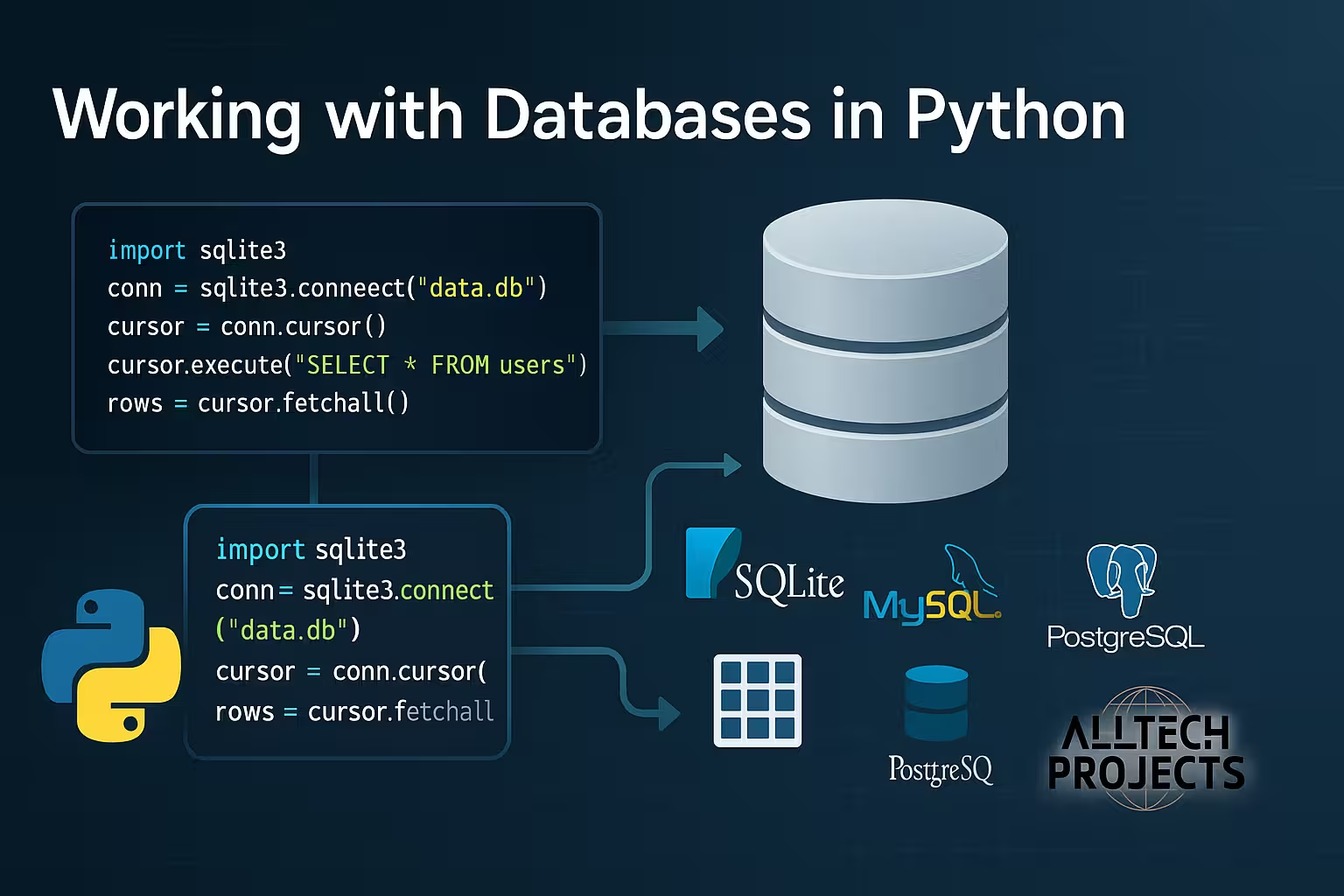
Databases are essential for storing, retrieving, and managing structured data in nearly every software application. Python, with its simplicity and flexibility, offers a wide range of libraries and tools for interacting with various types of databases, from lightweight options like SQLite to enterprise-grade solutions like MySQL and PostgreSQL.
In this chapter, we will cover:
- Introduction to databases and SQL
- SQLite (built-in database)
- MySQL and PostgreSQL integration
- Object Relational Mapping (ORM) with SQLAlchemy
- Best practices for database handling
- Real-world examples
Table of Contents
1. Introduction to Databases
A database is a structured collection of data. It can be managed using a Database Management System (DBMS). Most applications use Relational Databases that store data in tables with rows and columns.
Key Concepts:
- Tables: Structure to hold data.
- Rows: Records in a table.
- Columns: Fields (attributes).
- Primary Key: Unique identifier.
- Foreign Key: Reference to another table.
SQL Basics:
SQL (Structured Query Language) is used for managing data:
CREATE TABLE students (id INTEGER PRIMARY KEY, name TEXT);
INSERT INTO students VALUES (1, 'Alice');
SELECT * FROM students;
Code language: JavaScript (javascript)
2. Using SQLite in Python
SQLite is a lightweight, file-based database included with Python.
Benefits:
- No separate server required
- Great for prototyping and small apps
Importing sqlite3:
import sqlite3
Code language: JavaScript (javascript)
Creating a Connection:
conn = sqlite3.connect("students.db")
cursor = conn.cursor()
Code language: JavaScript (javascript)
Creating a Table:
cursor.execute('''CREATE TABLE IF NOT EXISTS students (
    id INTEGER PRIMARY KEY,
    name TEXT,
    age INTEGER
)''')
Code language: PHP (php)
Inserting Data:
cursor.execute("INSERT INTO students (name, age) VALUES (?, ?)", ("Alice", 22))
conn.commit()
Code language: JavaScript (javascript)
Fetching Data:
cursor.execute("SELECT * FROM students")
rows = cursor.fetchall()
for row in rows:
    print(row)
Code language: PHP (php)
Closing Connection:
conn.close()
Code language: CSS (css)
3. Using MySQL in Python
For larger applications, MySQL is often used. You’ll need the mysql-connector-python library.
Installation:
pip install mysql-connector-python
Connecting to MySQL:
import mysql.connector
conn = mysql.connector.connect(
    host="localhost",
    user="root",
    password="yourpassword",
    database="school"
)
cursor = conn.cursor()
Code language: JavaScript (javascript)
CRUD Operations:
cursor.execute("SELECT * FROM students")
print(cursor.fetchall())
Code language: CSS (css)
Use conn.commit() after insert/update/delete and conn.close() to terminate.
4. Using PostgreSQL in Python
PostgreSQL is an advanced open-source relational DB. Use psycopg2 to connect.
Installation:
pip install psycopg2-binary
Connection:
import psycopg2
conn = psycopg2.connect(
    dbname="school",
    user="postgres",
    password="password",
    host="localhost"
)
cursor = conn.cursor()
Code language: JavaScript (javascript)
Same CRUD operations can be performed using SQL queries.
5. Using SQLAlchemy (ORM)
SQLAlchemy allows interaction with databases using Python classes instead of raw SQL.
Installation:
pip install sqlalchemy
Creating a Model:
from sqlalchemy import create_engine, Column, Integer, String
from sqlalchemy.ext.declarative import declarative_base
from sqlalchemy.orm import sessionmaker

Base = declarative_base()

class Student(Base):
    __tablename__ = 'students'
    id = Column(Integer, primary_key=True)
    name = Column(String)
    age = Column(Integer)

engine = create_engine('sqlite:///students.db')
Base.metadata.create_all(engine)
Session = sessionmaker(bind=engine)
session = Session()
Inserting:
new_student = Student(name="Bob", age=23)
session.add(new_student)
session.commit()
Code language: JavaScript (javascript)
Querying:
for student in session.query(Student):
    print(student.name)
Code language: CSS (css)
Benefits of ORM:
- Cleaner, readable code
- No need to write raw SQL
- Easier migrations
6. Database Best Practices
- Always close connections
- Use parameterized queries to prevent SQL injection
- Log and handle exceptions
- Normalize your database schema
- Use connection pools in production apps
- Keep database credentials secure
7. Handling Exceptions
Database operations can fail; always wrap them in try-except blocks:
try:
    conn = sqlite3.connect("students.db")
    cursor = conn.cursor()
    cursor.execute("SELECT * FROM students")
except Exception as e:
    print("Error:", e)
finally:
    conn.close()
Code language: PHP (php)
8. Real-World Project Example
Student Management System:
- Backend in Python using Flask
- Database using SQLite or MySQL
- Features:
- Add/View/Delete students
- Store marks, attendance
Code Outline:
@app.route("/students")
def get_students():
    conn = sqlite3.connect("students.db")
    cur = conn.cursor()
    cur.execute("SELECT * FROM students")
    return jsonify(cur.fetchall())
Code language: JavaScript (javascript)
9. Tools and Resources
- DBeaver / MySQL Workbench / pgAdmin: GUI tools for managing DBs
- Alembic: For schema migrations in SQLAlchemy
- SQLiteStudio: For SQLite database inspection
10. Summary
Database integration is a core skill for any backend or full-stack Python developer. Python makes it simple to connect and interact with a wide variety of databases, from local lightweight databases to powerful enterprise-level systems. This chapter introduced you to:
- Writing SQL queries
- Using SQLite for quick data storage
- Connecting Python to MySQL/PostgreSQL
- Using ORM with SQLAlchemy
- Best practices and real-world applications
✅ Next Chapter: Python and APIs – Learn how to build and consume RESTful APIs with Python.